

IT Documentation Made Simple
Why Clear Documentation Reduces Project Risk - For Business Or A Website
Posted by Charlie Recksieck
on 2026-04-09
Let me throw a couple of scenarios at your workplace:
* Your office gets hacked
* The internet is down for a long time
* Services you rely on like AWS or Azure go down for the day
And furthermore, your IT guy is on vacation. What do you do?
You need a simple, pragmatic battle plan when that happens. Making one in advance is the smart thing and perhaps the two hours that can save your business. I've a basic checklist for you here; a simple plan and a couple of documents. Don’t be intimidated, this will be easy. And I guarantee you’ll feel really glad that you did.
I once read this somewhere, "IT documentation isn't bureaucracy - it’s insurance." Yup.
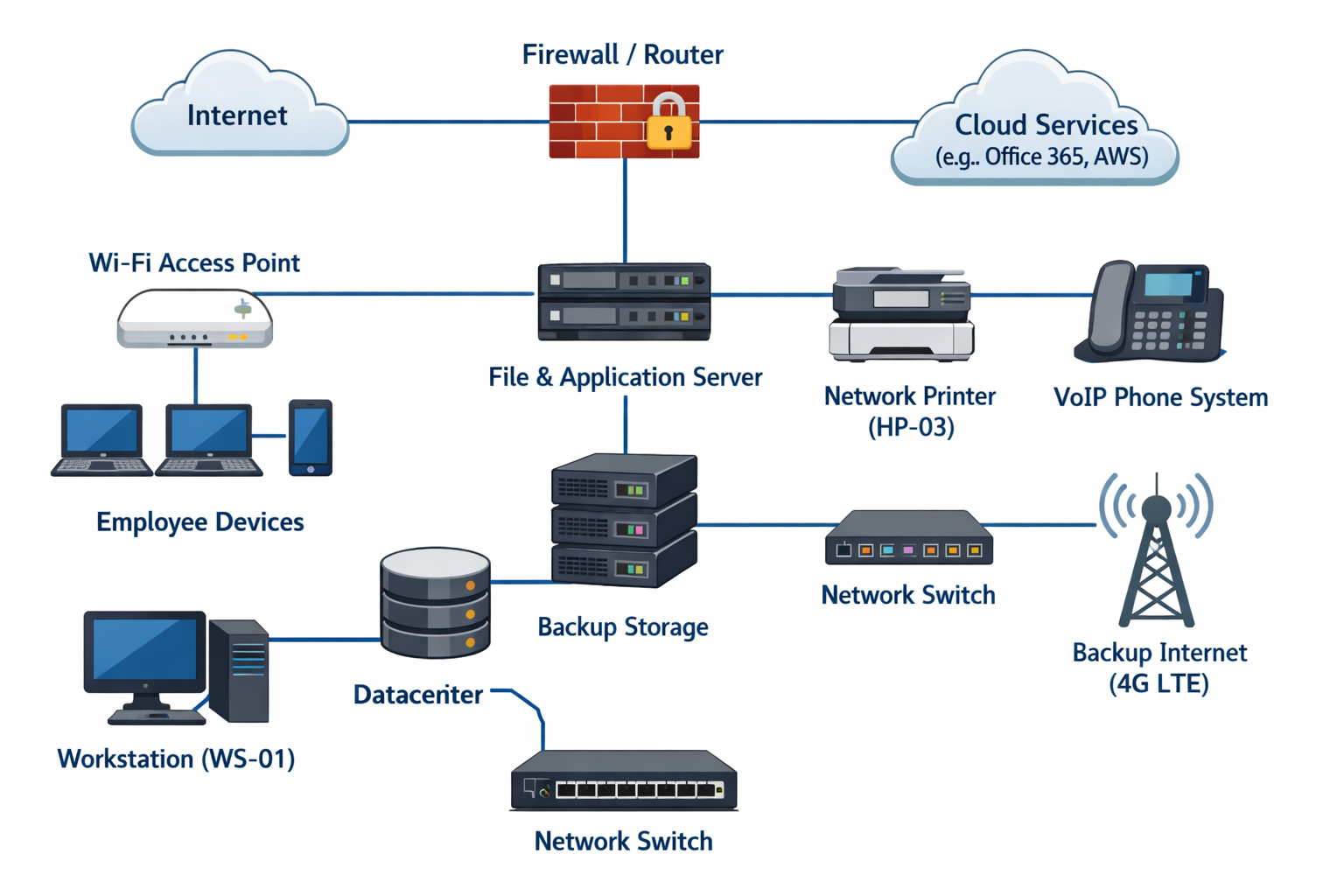
Can Anyone Troubleshoot Your Network?
It's just a simple visual of your internet, routers, switches, servers (in-office and on the cloud), email, file storage, apps.
Why:
* Faster troubleshooting
* A non-IT person can use it when calling a service for help; just read them or show them what's on your map
* A non-IT person can use it when calling a service for help; just read them or show them what's on your map
Document Type: Image, Flowchart or even Power Point.
Do You Have Access To Your Servers
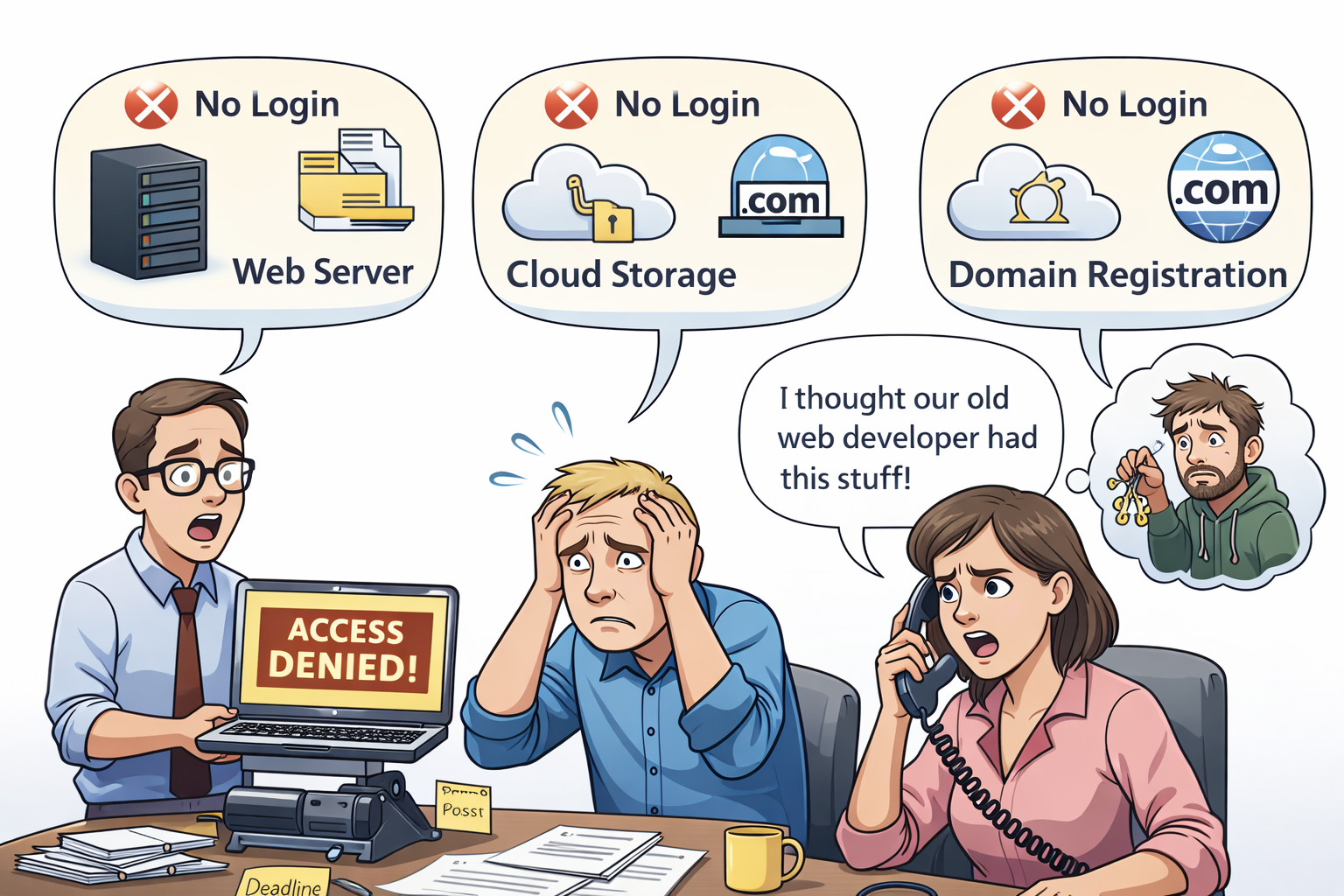
This is going to sound obvious or remedial or maybe even a little insulting, but: do you have the login to your servers? Your web hosting, your cloud storage, your domain registration?
If somebody else set up your website, cloud service, domain registration and they are the contact of record and not you, they are holding you hostage. Perhaps it's an honest oversight but other shady developers or consultants like to be in control so they can't be fired.
If this is you - ASK FOR THE CREDENTIALS. N-O-W! - If you're in this state, this is by far the most important thing in this article.
We were brought in to help a local business when they couldn't access their domain registration when their domain registration expired; their previous web designer had been long gone. A simple credential list would have saved literal days of downtime.
Why:
* When something goes wrong and you have no access, nobody can help you
* You never want to be beholden to somebody outside the company.
* You never want to be beholden to somebody outside the company.
Document Type: Word doc, text file, piece of paper
Hardware & Software Inventory: What You Own and What You Pay For
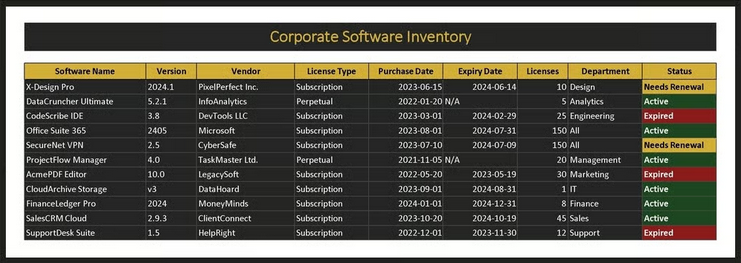
This is just a list of your: 1) Computers, servers, printers, etc, 2) Software licenses and subscriptions, and 3) Cloud services and vendors
Without something like this, you might be wasting money on unused licenses and will struggle during outages or audits.
Why:
* Reduces waste and duplicate spending.
* Helps with budgeting and renewals - Critical for insurance and audits.
* Helps with budgeting and renewals - Critical for insurance and audits.
Document Type: Spreadsheet
Password Vaults: Stop Using Shared Docs
Ah passwords. This is a topic unto its own. It's great to have a centralized, secure password manager - for your admin accounts, vendor sites, services, everything.
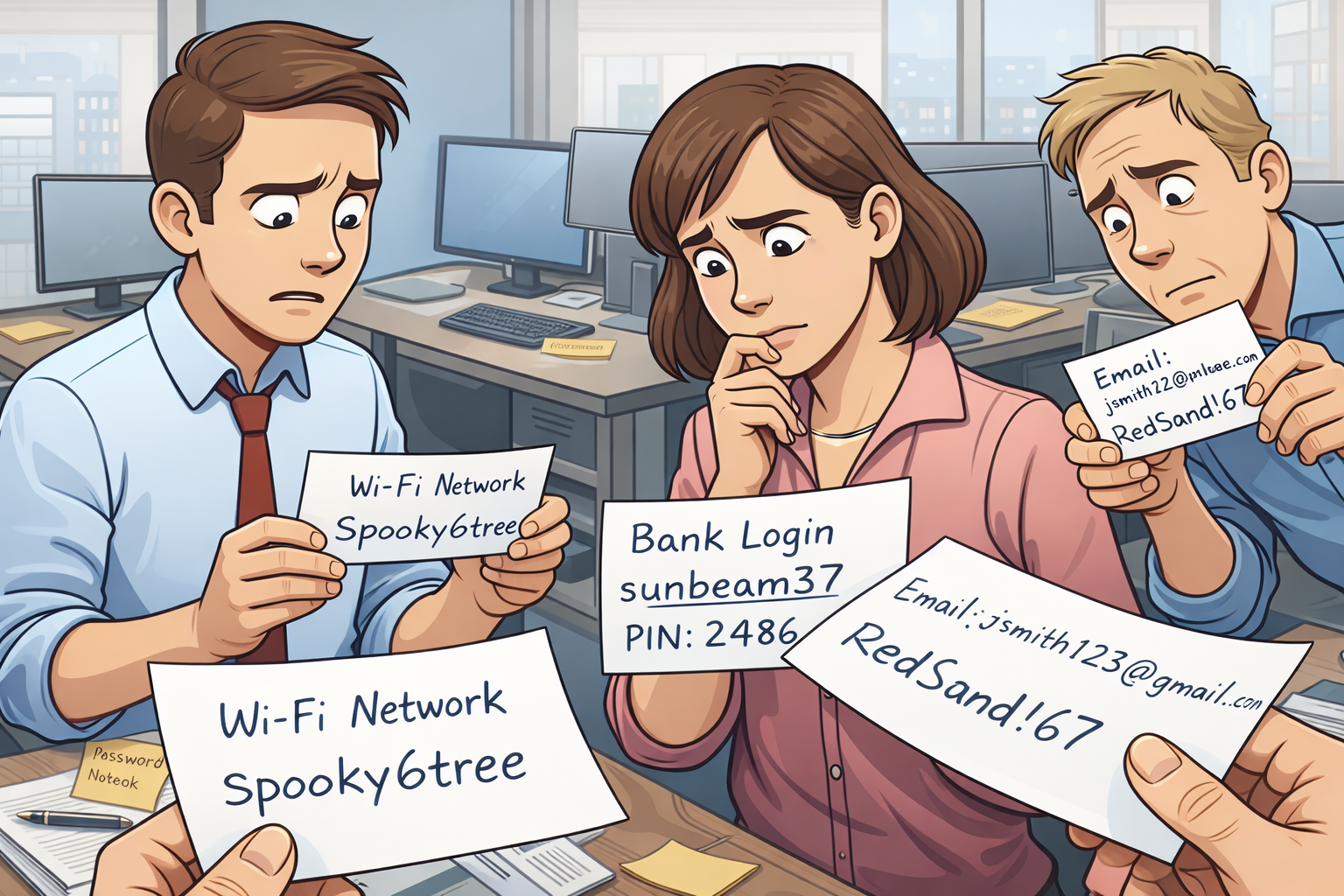
Now this is where I'm going to deviate from most people giving IT documentation advice. They tell you not to keep things on post-it notes or paper at each desk. Yes, that's not ideal but for some offices, that's the easiest and most practical thing.
I can't find stats on paper vs. electronic password theft but I'm going to guess that passwords are stolen electronically at least 98 times out of 100 (vs. from a printed doc). Just don't leave the document where you printed the password in an accessible document store!
Why:
* Security: Duh.
You need your passwords secure.
* Continuity: Access isn't lost when someone leaves. Or let's face, people forget passwords. If they're shared passwords among your team, then resetting is a big pain.
* Compliance: Things like this can help you with insurers.
* Continuity: Access isn't lost when someone leaves. Or let's face, people forget passwords. If they're shared passwords among your team, then resetting is a big pain.
* Compliance: Things like this can help you with insurers.
Document Type: Either use tools like 1Password, Bitwarden, or LastPass ... or you have my permission to keep a piece of paper in a handy drawer or file cabinet.
Disaster Recovery & Restore Plan
When something goes wrong - and unfortunately that's a "when" not an "if" - it's great to have a to-do list at the ready. What needs to be restored, where to get it, who should do it.
Nothing reduces panic quite as well as having an action plan.
List Out:
- What needs to be backed up and where are the backups?
- Who does what during an outage?
- Vendor contact info should be here for any outside resources
- Who does what during an outage?
- Vendor contact info should be here for any outside resources
Why:
* Reduces panic during incidents.
* Protects revenue and reputation by getting you back to normal ASAP.
* Protects revenue and reputation by getting you back to normal ASAP.
Document Type: Word-Doc (hopefully printed). Just a simple checklist.
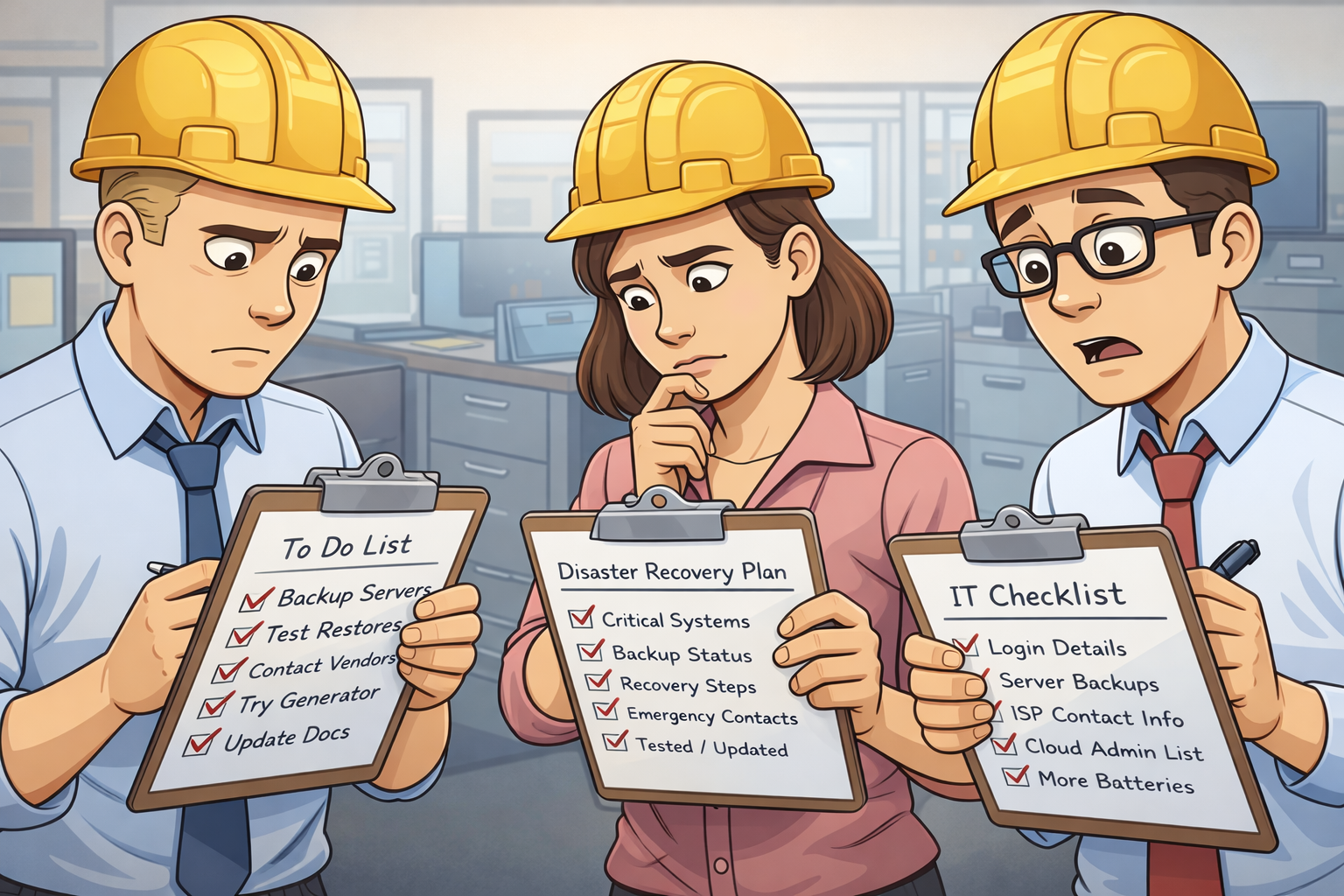
Conclusion: Documentation IS Cheap Insurance
There, that wasn't so hard. This is something you can get done today in under 90 minutes. It could save your business. That’s the dramatic payoff. But this isn’t all just for armaggedon-level work outage scenarios. IT documentation doesn't just help during major outages; it can speed up everyday troubleshooting and reduce reliance on individual memory.
Remember:
* Documentation doesn't need to be perfect - it needs to exist.
* Small businesses can start small and improve over time.
* Start with one document this week. Your future self will thank you.
* Small businesses can start small and improve over time.
* Start with one document this week. Your future self will thank you.
If you need help with any of this or need some templates, we're happy to help. Now go out there and rescue your future self.
