

Who Actually Chooses an Enterprise IT Solution Because of a TV Ad?
Understanding the Real Decision-Makers
Posted by Charlie Recksieck
on 2026-02-05
Enterprise IT buying decisions aren’t made after watching a TV commercial during a game. Yet major vendors still spend big on these ad spots. Let's unpack why.
****
Don't commercials try to sway you with emotions to make an impulse decision? When it comes to enterprise software and hardware, not necessarily.
There are many advertising tactics and approaches, depending on what the product is. Candy bars can have silly commercials, flower delivery companies can have emotional pitches, but banks and consulting firms, not so much. On larger products, any individual ad impression is just one part of the plan for multiple information and impression points on corporate decision makers.
So, let's think through why giants like Oracle and Salesforce advertise during TV sports.
Who's Not The Target Audience
Usually, the CIO (Chief Information Officer) or CTO (Chief Technology Officer) is the one pulling the trigger on decisions at large corporations or the head of IT in smaller ones. It's their job to spend a lot of time on due diligence and research for what technology products make the most sense for their company.
So are these people getting swayed and making a six-figure enterprise IT decision because of a 30-second commercial during Monday Night Football? Nope. But that's not why the ads exist.
Enterprise IT buyers don't see a TV ad and instantly overhaul their cloud architecture. Instead, these ads serve long-game purposes:
Who IS The Target Audience
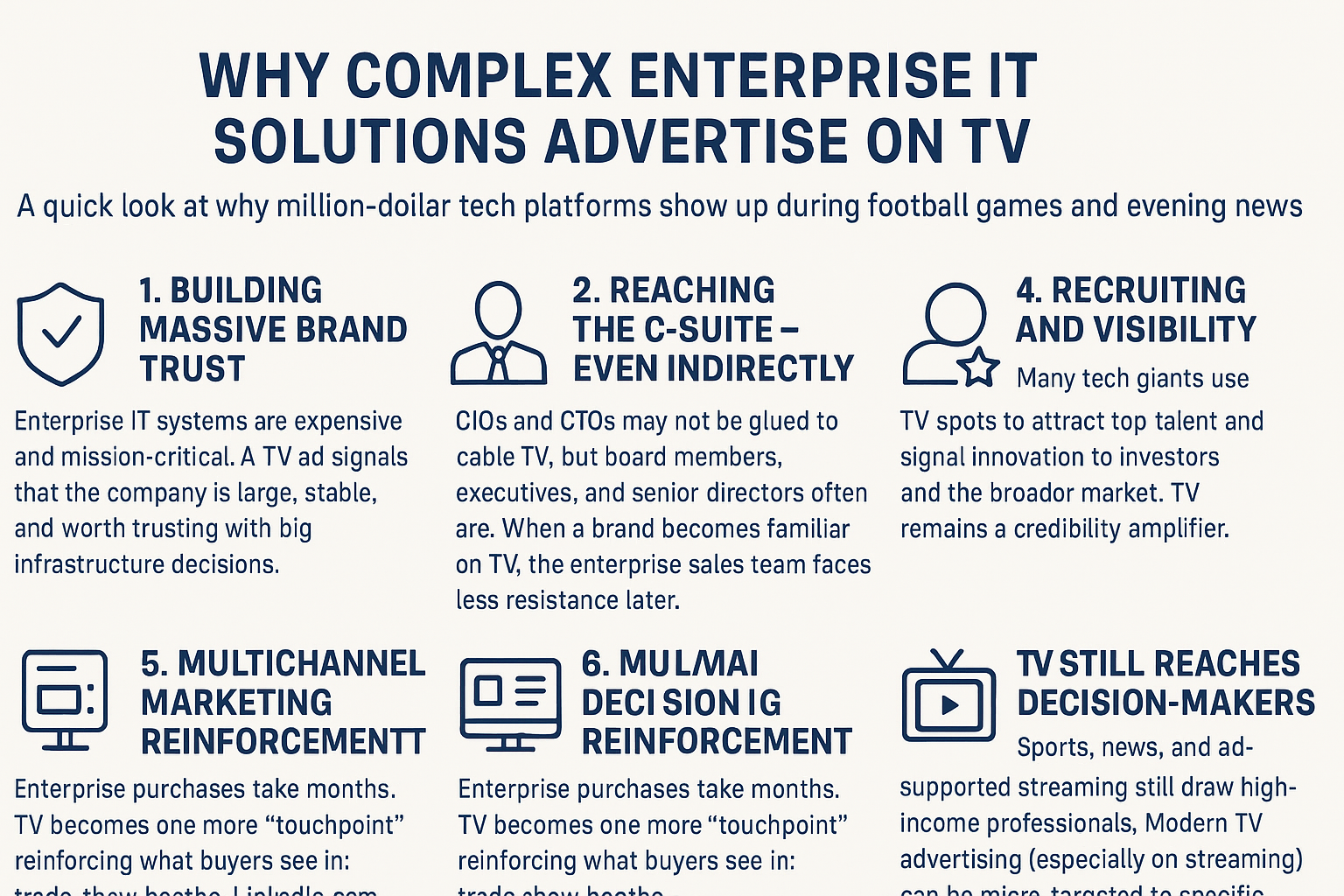
1. CFOs, CEOs, and Non-Technical Decision-Makers - These leaders don't live on GitHub or in AWS documentation or on Stack Overflow.
They do watch major sporting events.
TV ads plant the idea that a vendor is "big, stable, safe to choose," making technical recommendations easier for their teams to sell upstream.
These C-Suite execs are the ones writing the checks.
So, when the CIO is briefing them about A.I. solutions for printer networks, you can believe the CEO who just watched a golf tournament on TV is likely going to ask about the solutions he saw an ad for, like OpenAI or Konica Minolta.
2. Companies Trying to Signal Scale - Ads during sports tell the world:
"We're not a startup - we're in the same league as Salesforce, Oracle, Microsoft."
It's corporate peacocking meant to reassure shareholders, the media, and enterprise buyers.
3. Procurement Committees Who Need Validation - By the time a company is evaluating a vendor, the TV exposure helps them feel like the brand is more familiar.
It reduces perceived risk. "If they advertise nationally, they must be legitimate."
4. Analysts, Investors, and Industry Press - Enterprise vendors use TV to make noise ahead of funding rounds, product launches, or earnings calls.
So who chooses an IT solution from a sports-event TV ad?
No one directly. But everyone is influenced indirectly.
It's brand scaffolding, not product marketing. The real decisions still happen in boardrooms, RFPs, architecture reviews, and endless security questionnaires.
C-suite execs like CFO’s or CEO’s are seldom the technical evaluators, but they authorize the budget and strategic direction, making their perception critical-even if they defer technical evaluation to CIOs or CTOs.
On Any Product, It's Not The First Ad That Works
Most consumers don't decide after seeing a single advertisement - it usually takes multiple exposures before a message sticks. Marketing research often cites the "rule of seven."
The idea is that people need to encounter a brand several times before taking action. In reality, with so much noise in the television, internet and social media ad spaces, the number can range from 7 to 20+ impressions, depending on the product, urgency, and personal relevance.
Each exposure builds familiarity, reduces perceived risk, and increases trust. Rather than one memorable ad, it's the accumulation of consistent, repeated messaging across TV, social media, search results, and everyday life that finally pushes a consumer to make up their mind.
Chipping Away
As we've discussed, these ads work on a lot of levels. They confer the advertiser's status as a major player. They give a permission structure of trustworthiness to decision makers.
But they flock to sports for the audience. Other than maybe financial networks like CNBC or Bloomberg, sporting events boast the richest demographic. Particularly for golf and tennis Grand Slam events.
And let's face it, how many people watch ads on anything but sports these days? The only place to pound your way into somebody's head with repeated viewings of the same commercial is during sports.
Are They Effective
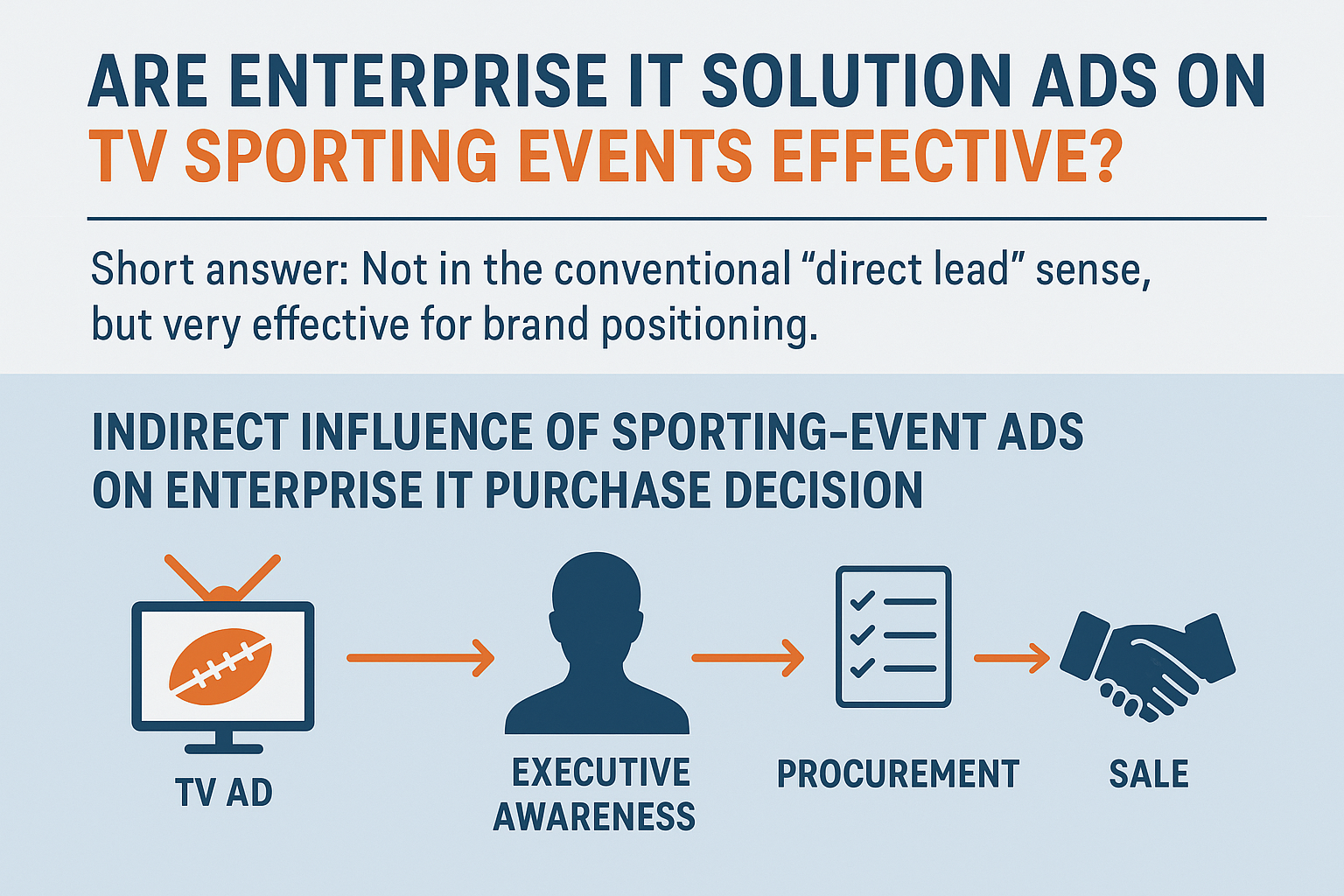
Based on the amount of money involved and skilled professionals in their marketing departments, we would have to assume they know what they're doing.
But as we've discussed, nobody sees the ad and immediately makes a decision of this magnitude.
This is about the most "indirect" advertising there is. As such, it's almost impossible to truly gauge the effectiveness of these campaigns. That's a dirty little secret. When there's this much money involved in sales like these, even the cost of a Super Bowl ad is just a drop in the bucket of their operating budget.
So while a CIO isn't buying software because of an ad, those ads shape corporate perception and reduce perceived risk for purchase committees. Understanding this helps marketers and buyers navigate enterprise software conversations more strategically. If your company is doing some B2B marketing, even if you’re not IBM or Oracle, remember to reach both the technical users of your product but also the people writing the checks; give those execs a permission structure to feel good about what you’re selling.
